

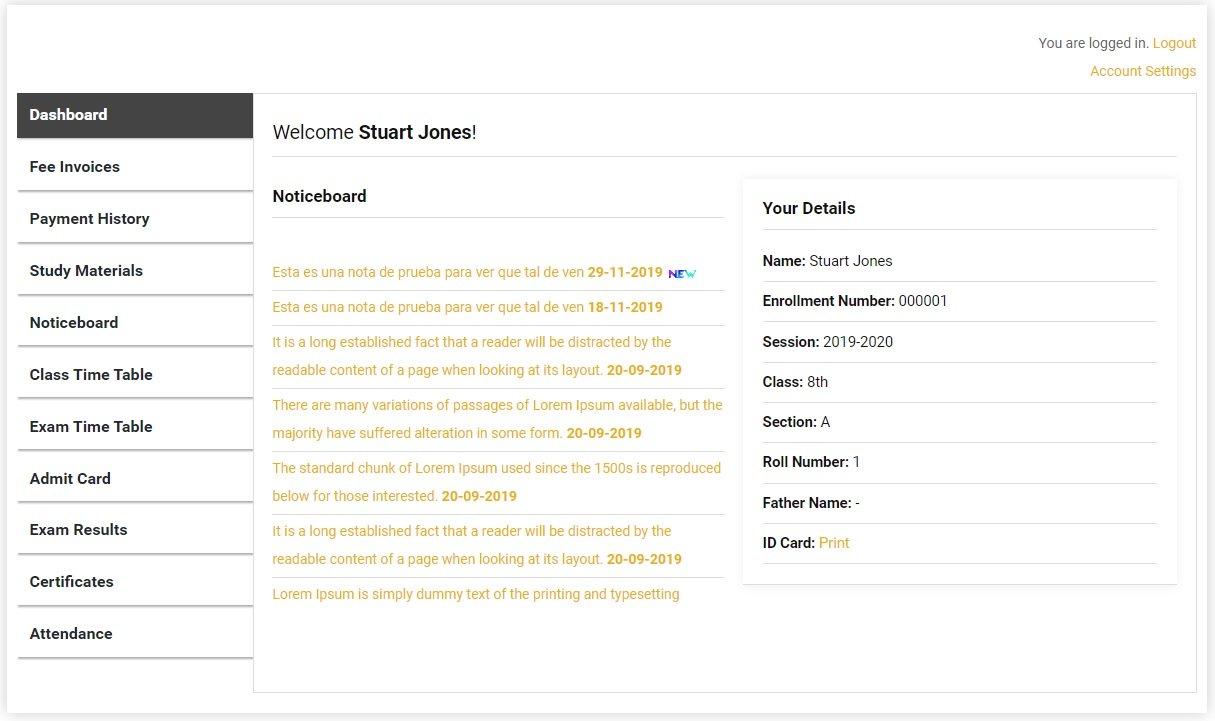
Teachers start live online classes directly from the ERP dashboard. Students join with one click from their portal. No separate Zoom account setup needed for students.
Online Classes — Built Into Your ERP
Sumo ERP integrates directly with Zoom and BigBlueButton — two of the world’s leading live video class platforms. Teachers do not need a separate Zoom account per class. They start the session from the ERP and it is ready in seconds.
How It Works
For Teachers: Go to Live Classes in the dashboard. Click “Start Class,” select the class and subject. A live session starts on Zoom or BigBlueButton immediately. The link is automatically visible to students.
For Students: Log into the student portal. Click “Join Live Class.” The Zoom class opens in the browser or app. No passwords, no fumbling with links.
What the Live Classes Feature Includes
✅ Zoom Integration — Start and manage Zoom sessions directly from the ERP.
✅ BigBlueButton Integration — A free, open-source alternative to Zoom for schools that prefer it.
✅ One-Click Join for Students — Students join classes from their portal with no extra steps.
✅ Class Scheduling — Schedule upcoming live classes so students see them in advance.
✅ Record Sessions — Record the live class for students who missed it to watch later.
Why Schools Love This
After the COVID-19 period, every school wants a backup system for online teaching. Having live classes built into the same ERP — without a separate subscription for each teacher — saves thousands of rupees per year and makes remote teaching effortless.
Leave A Comment